User Guide
Data Management
Step 1.
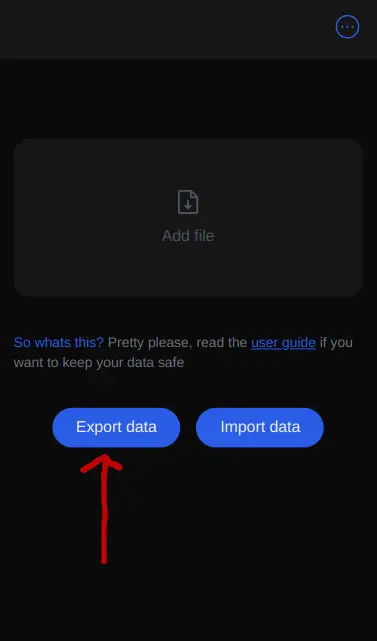
Export data you have added to save and reuse. It does not matter where you save it.
Step 2.
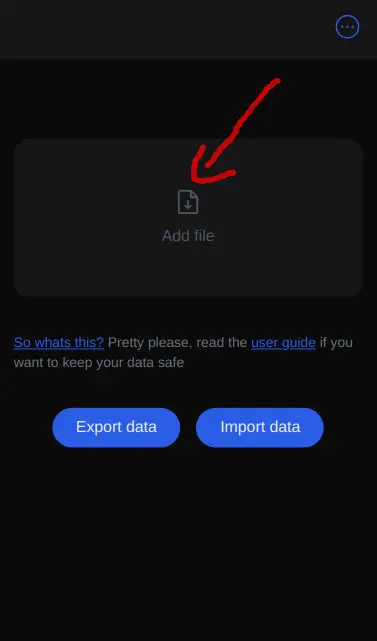
Click add file and upload your file from google drive, apple files, android files ect.
Step 3.
Press the import data button and your good to go. You might need to refresh the "app".

What is this for? This feature is here to keep your data safe while I’m constantly tinkering and messing around with the app. Every time I fix a bug or redeploy, your data gets wiped. You can also share your data between devices. So, download your data, and you can easily re-upload it to keep using your old info.